• Schrack CAD Software

    Schrack CAD Software

    The Schrack CAD software is a plug-in for your CAD program. It helps you to plan electrical distribution panels and enclosures in accordance with EN 61439 and even produces proof of documents.

    Download now

Easy and reliable planning of distribution enclosures

Designing electrical enclosures with ease!

Schrack CAD helps you to plan your electrical distribution board enclosures with ease and makes sure they comply with applicable standards. Using Schrack CAD, you can use CAD files from our database and add them to your CAD software (AutoCAD, Brics-CAD, ...) with an easy click. Besides creating assembly and wiring diagrams you can verify the thermal design of your planned distribution enclosure according to IEC TR 60890 and thus meet one of the requirements of the EN 61439 standard (up to 1600A), with documentation included.

  • Article database with over 10,000 items
    Schrack CAD provides over 10,000 articles with layout drawings and wiring diagram symbols. You can add them to your project with a single click. Additionally, the database includes all details and specs about our products, such as data sheets, installation instructions and photos, all of which you can access quickly and easily.
  • Electrical enclosure planning according to EN 61439
    Thanks to the power loss testing according to IEC 60890 your planned distribution panel will meet the corresponding requirement of the EN 61439 standard (every new and modified electrical distribution board enclosure must meet this standard) - make sure you are on the safe side.
  • Proof of documents
    All the relevant data, information details on your project and on the selected products as well as the rating plate, compiled in a single document ready for printing.
  • Easy panel building and ordering of parts
    You set the specifics for the final distribution board enclosure and we provide you with the required Schrack products - add the selected products to your Schrack basket with a single click.


6 steps to a compliant distribution board:

  • Select articles
  • Generate assembly and wiring diagrams
  • Start thermal calculation
  • Print documentation
  • Transfer articles directly to basket
  • Order products

The perfect tool for distribution boards: Schrack CAD

Download the Electrical Enclosure Software below. Please use your Schrack Technik Customer Account to log in and download Schrack Design. You haven't registered yet as a Schrack Technik customer? - Click here to register

Download now

Functionalities of Schrack CAD

There are over 10,000 products in the article database which you can use to design your project according to your requirements. You can add products from the article database, from your defined favourites, or from articles you have added yourself. You can use the search functionality to look for products using the article number, the name, or simply keywords. When adding an article, you can immediately specify the quantity you need.

Create a single- or multi-line wiring diagram for your distribution board. Select the articles required for your project from our database, from your favourites, or from the custom products section and add them to your design. Use the icon for adding a page border from the icon toolbar to create a space where you can enter your project data. In the same icon toolbar you will also find the feed-in icons for different grid systems and icons for outgoing lines.

Select the distribution panel you want and position it in your drawing. If you have already created the wiring diagram, you can automatically insert all icons in the front view by clicking on the “Front view” item. If you have not yet created the wiring diagram, add the desired products to your drawing from the database, from your favourites or from your custom products.

After finishing the front view, you can start the thermal calculation and select the panel board and all components added. A new window opens, showing the thermal calculation. It has 4 small tabs.
The first tab shows the thermal calculation and the ambient data. This tab also contains the parts list of your project. If necessary, you can modify or replace the items with different ones. You can also adjust the ambient data and the electrical data.
To adjust the busbar dimensions, you need to open the second tab. Here you can input the exact length of the busbar you are using. The power loss is adjusted accordingly.
The third tab calculates the wiring according to the applicable standard. This is the place to add all the wires and cables you are using for wiring the electrical enclosure. This automatically calculates the power loss for the cabling and adds it to the thermal calculation for the distribution board.
If a ventilation system is necessary or desired, you can add one in the fourth tab. You don't need to calculate the ventilation system. The Schrack CAD software automatically recommends a ventilation system matching the dimensions and the required cooling capacity.
As soon as the project gets a green check mark, the distribution enclosure complies with the standards. This means it can be built like this.

With your distribution enclosure designed according to standards, you can print the complete documentation according to IEC890+A1 at one click. This Distribution Board/Test Report will have a title page containing the customer details and the project planner's data. The documents also contain the parts list/bill of materials, the temperature calculation report, the rating plate, the test report and the declaration of conformity. You can print the rating plate on any label printer and then affix it inside the enclosure. We recommend the thermal transfer label printer TC200/TC210 for that purpose!

You will find more details about the printer in the data sheet - download now!

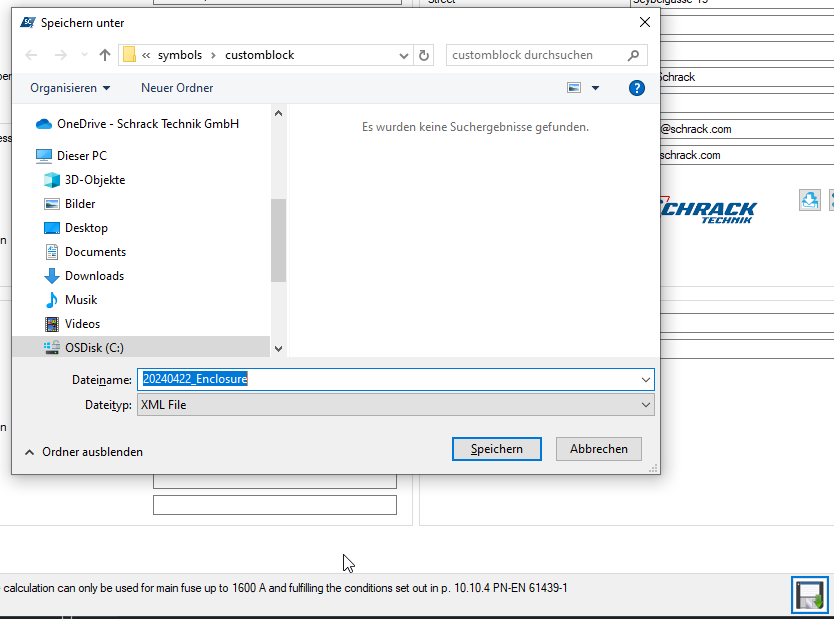
The project can be saved in 3 different formats:

  • the drawing: will be saved in your CAD software
  • the environmental data: will be saved in Schrack CAD
  • the documentation: can be saved as a PDF in Schrack CA

Support enquiries

If you have questions not answered on this page or need further assistance regarding the Schrack CAD software, please do not hesitate to contact: digital(at)schrack.at.

We will do our best to respond as quickly as possible to your enquiry and get in touch with you!